

Snippi is the studio.
Upload, transform, collect and print from your phone. Your sticker studio goes wherever your camera does.
iOS & Android
Works with the TINKTEMPO printer
Included with the machine
See everything Snippi does

Photo to sticker
Turn any upload into a printable sticker.
Style, emboss, cutout
Watercolor, stamp-like emboss or a clean cutout — three taps, one result.
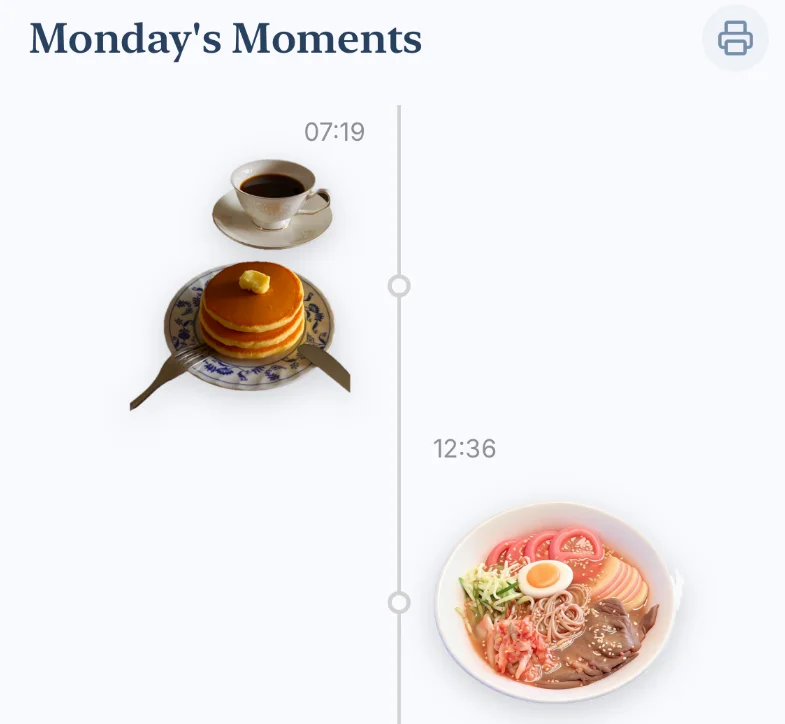
Timeline journal
Save the day's stickers as visual moments.
Automatic sheet layout
Arrange today's stickers into a print-ready sheet.
Four screens from the app
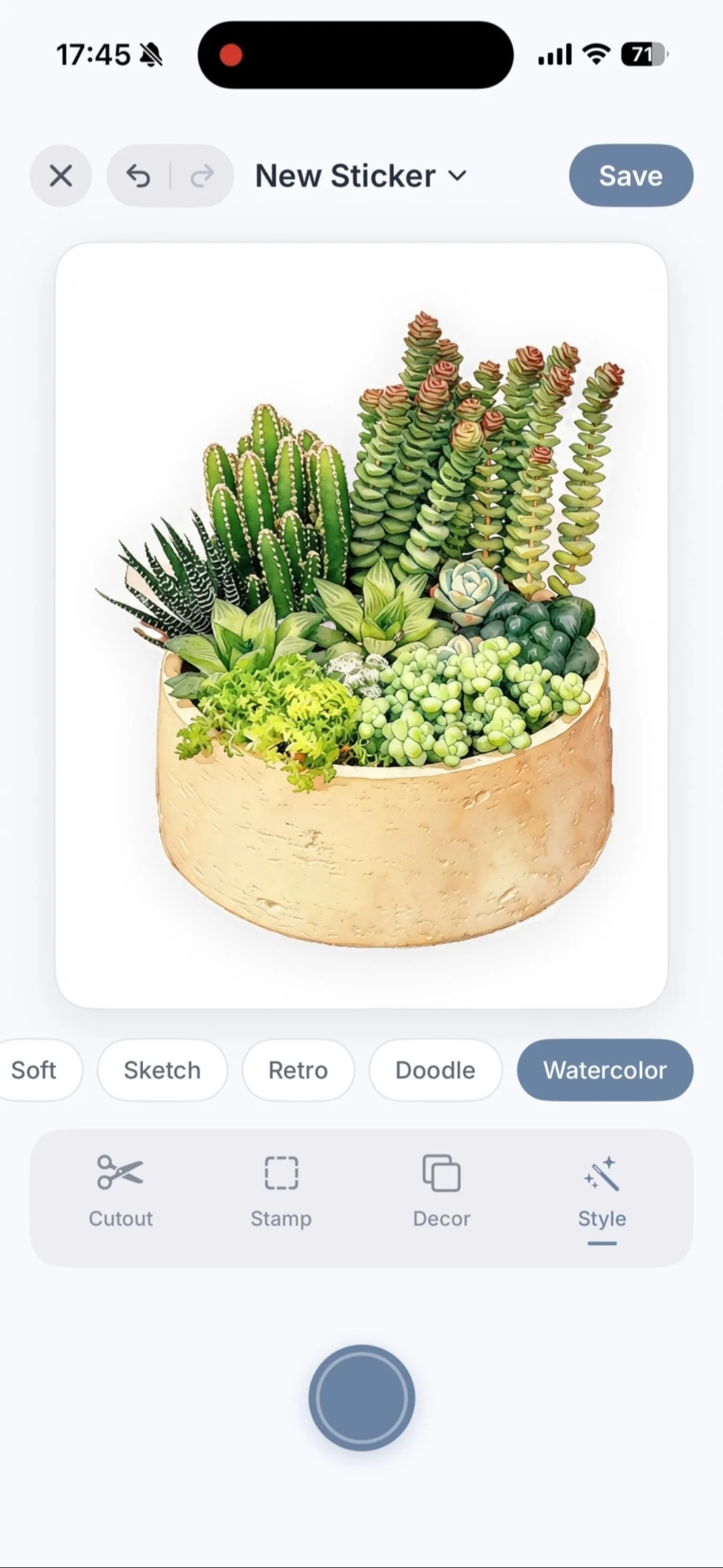
Upload & edit
Bring in any photo and start a new sticker.
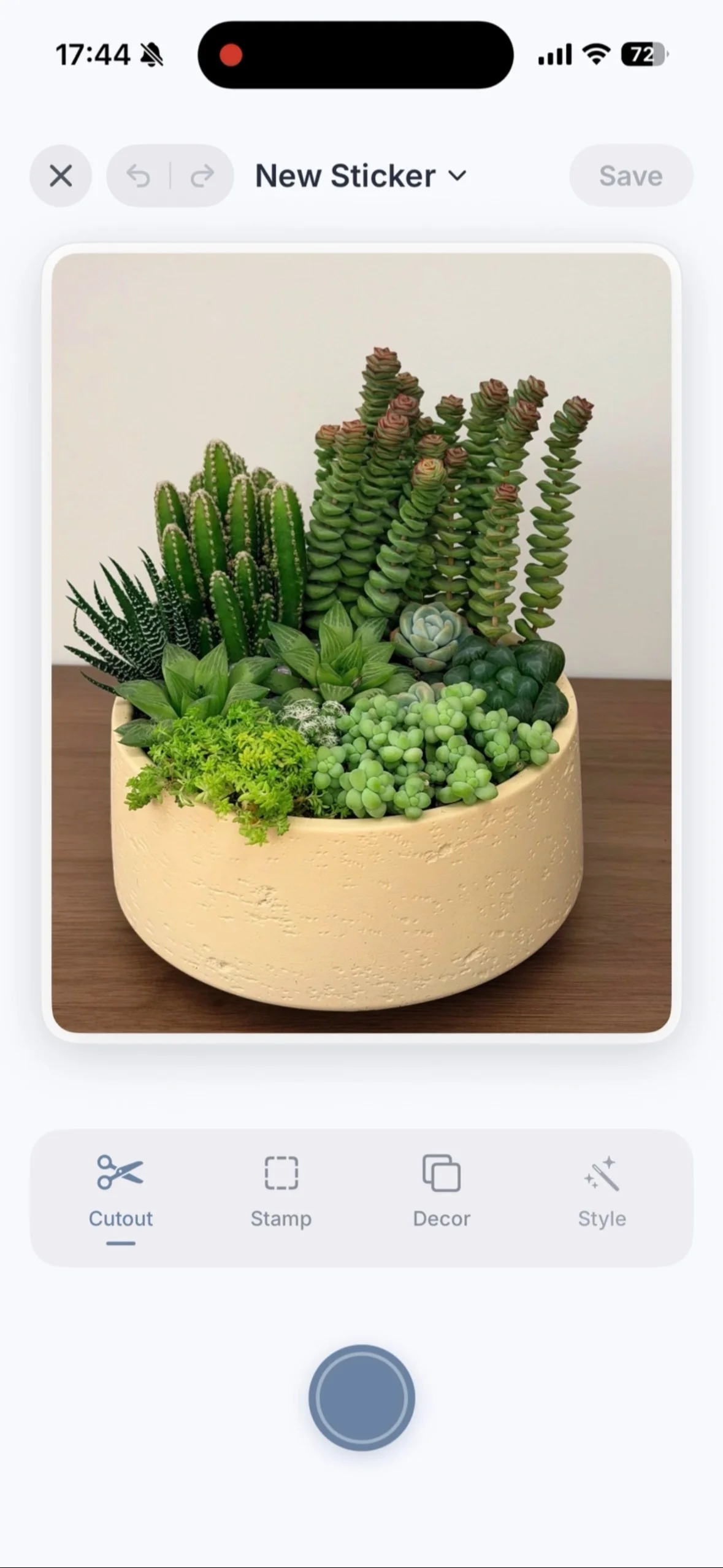
Style / emboss / cutout
Watercolor, stamp and clean cutout effects.
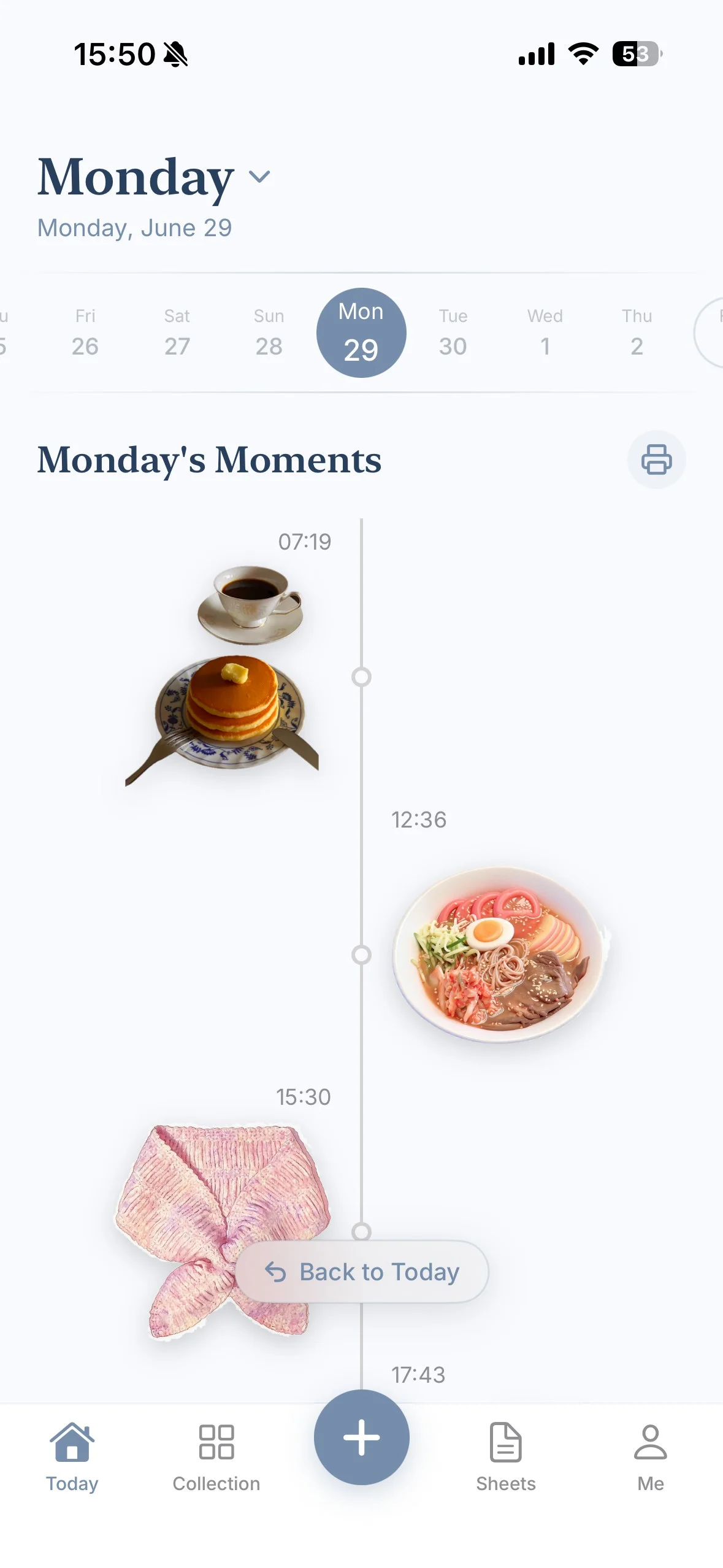
Today's moments
Every sticker saved as a visual moment.
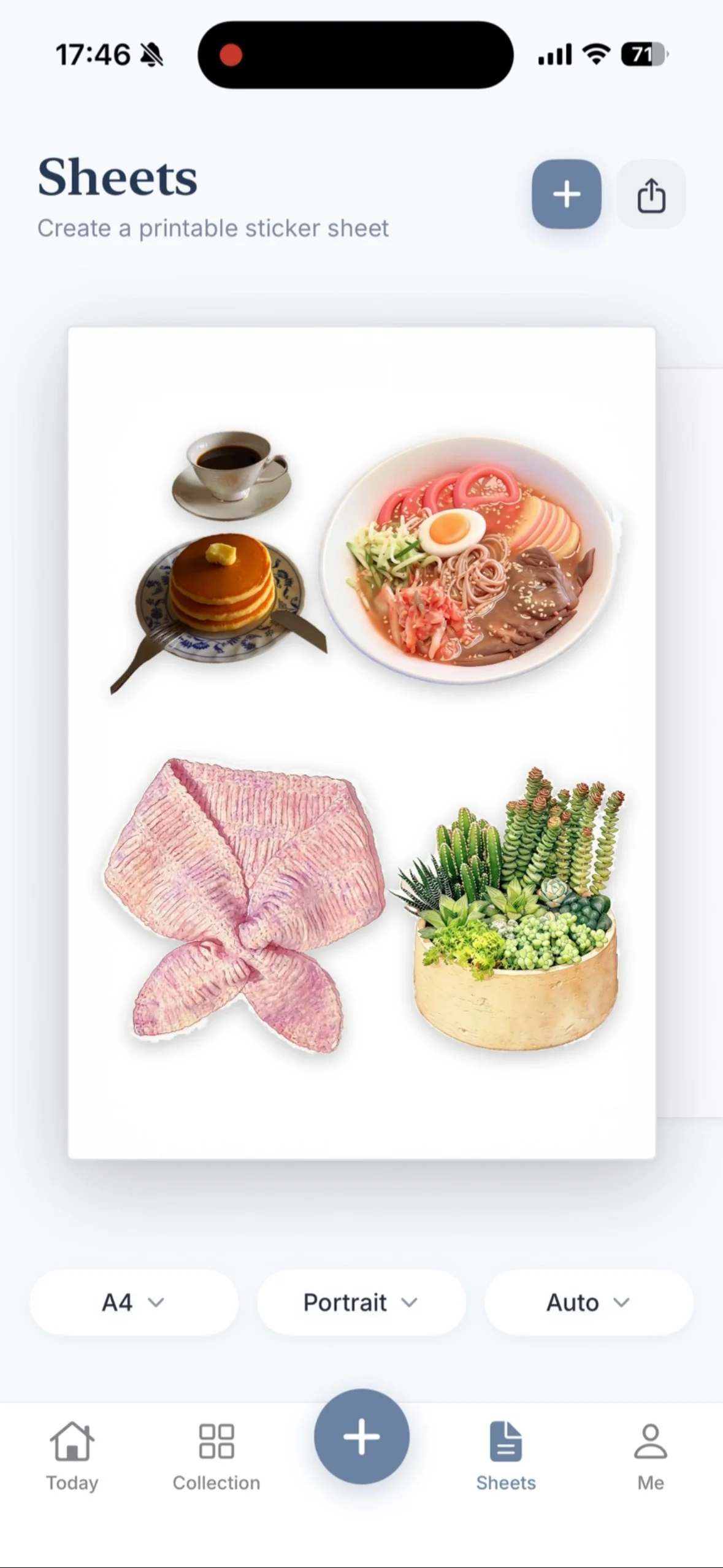
Sheets & one-tap print & edit
Auto-arranged and print-ready in one tap.
What you can do with it.
Six things that cover most of the ways people use Snippi — from one-off photo stickers to a printed journal of the month.

Artistic style transfer
Turn a photo into a watercolor, sketch or illustrated version of itself.
Direct cutout
Cut the subject out of its background and print it as an outline sticker.
Stamp emboss
Add a stamped, embossed edge so small stickers still read clearly.
Moment timeline
Keep the day's stickers in order, like a photo roll you can print.
Sheet layout
Arrange mixed sizes onto one sheet automatically.
Print ready
Send the finished sheet to the machine with one tap.
How a sticker gets made.
The same three moves every time, whether you are printing one sticker or a full page for a trip.
01
Your Stickers Today
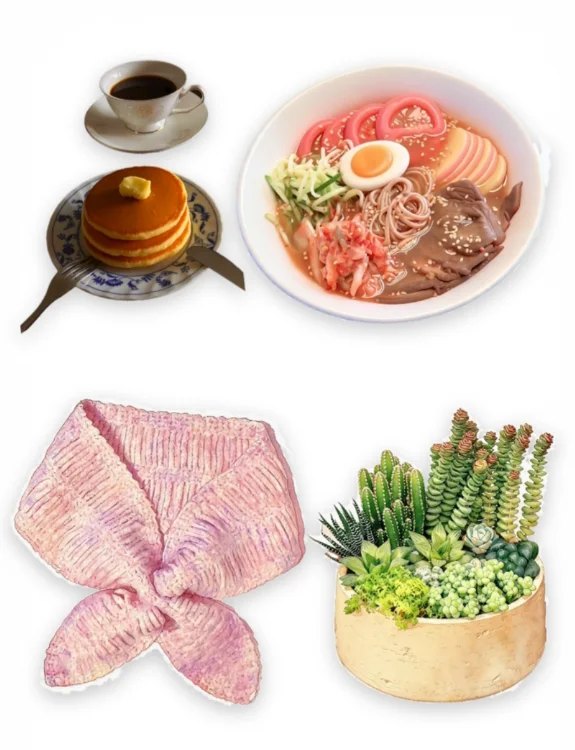
02
Auto Arrange on Sheet
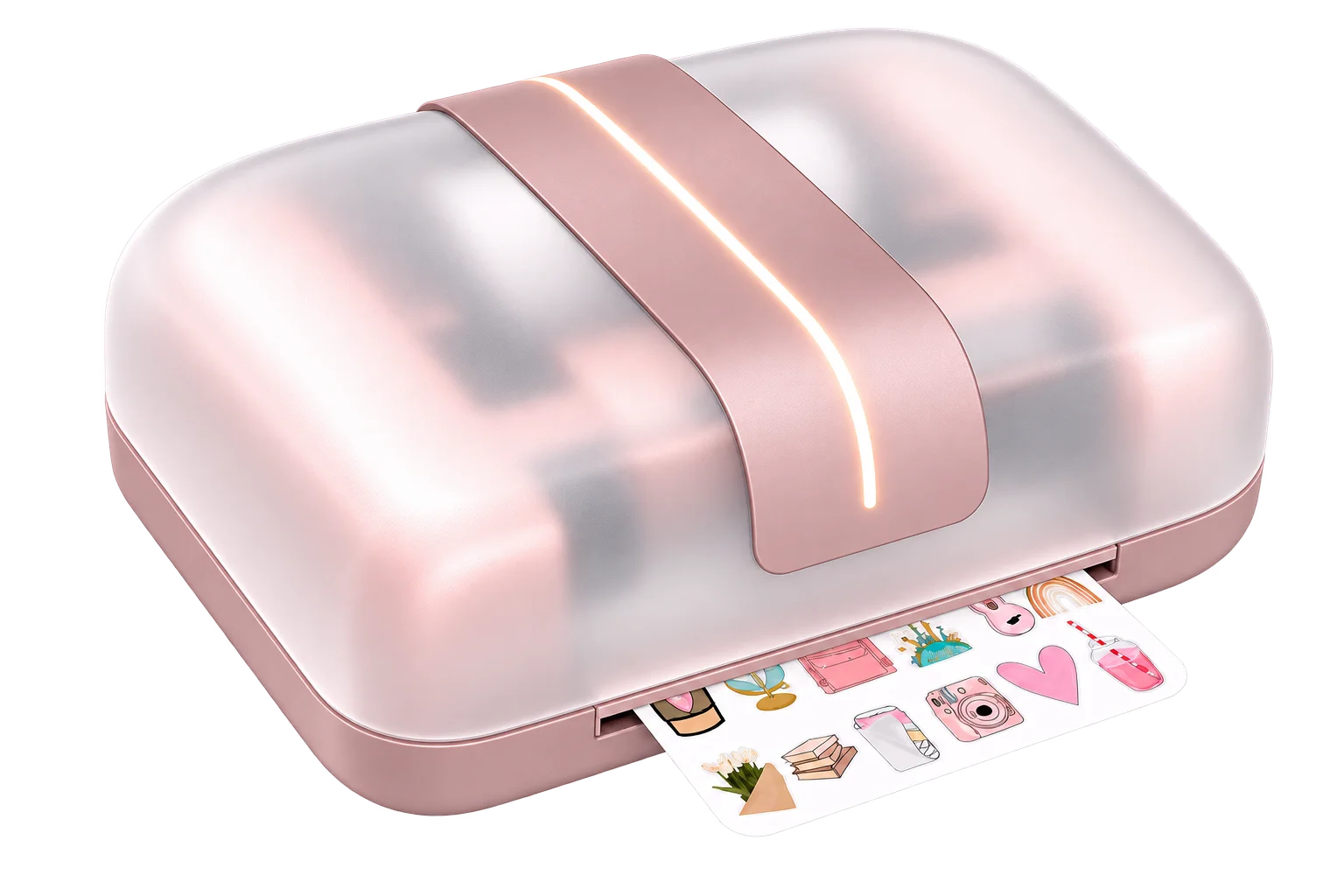
03
PRINT & CUT
One tap to print. TINKTEMPO cuts with precision.

01
Pick your pictures
Open Snippi, choose photos or artwork, and turn them into stickers in a tap — style transfer, emboss or a clean cutout.
02
Let the app build the sheet
Snippi arranges today's stickers into a print-ready sheet, so you print only what you need.
03
Print and cut in one pass
TINKTEMPO prints the sheet, then contours every outline. Peel, stick, repeat.
One app, one machine, one pass.
Snippi handles the artwork and the layout. TINKTEMPO handles the ink and the blade. Nothing else is needed on your desk.
Meet the sticker maker
Ask a question
Snippi questions.
Short answers about the app itself.

Does Snippi cost extra?
Does Snippi cost extra?
It is included with the machine for iOS and Android — Snippi ships in the bundle rather than as a separate purchase.
Does it work with other printers?
Does it work with other printers?
Not confirmed yet: Snippi is built around the TINKTEMPO machine and bundled with it. If you want to drive another printer with it, write to us and we will answer for your setup.
What happens to my photos?
What happens to my photos?
Where photos are stored and how they are deleted is part of the privacy terms we are confirming before orders open. Write to us and we will put the answer in writing.
Can I use Snippi without the machine?
Can I use Snippi without the machine?
Snippi lays out the sheets that the machine prints, so the two belong together. Whether it does anything useful on its own before a machine arrives is still launch spec — ask us.
Which phones are supported?
Which phones are supported?
Snippi is published for iOS and Android. The minimum OS versions are part of the launch spec — tell us your phone and we will confirm before you buy.
Can I reprint a sheet I made last month?
Can I reprint a sheet I made last month?
Sheets are built from the moment timeline in Snippi, so your earlier artwork stays part of the app. How far back you can reprint is launch spec — write to us if that decides it.
Read the full help centre

TINKTEMPO
An all-in-one sticker maker: print, cut and finish your own sticker sheets from your phone.
liuXinYaoO_O@outlook.com
Business & wholesale · reply within 1 working day (GMT+8)

Create. Print. Cut.
© 2026 TINKTEMPO. All rights reserved.
TINKTEMPO Sticker Maker · Snippi app · SundayBlues original IP